Redesigning an agent-powered project creation experience for learning designers who never start from scratch
ABOUT
Lazuli's original project creation flow was built around the assumption that users arrive with a topic in mind and want the AI to take it from there. The problem was that our users almost never worked on entirely greenfield projects.
Designing for the reality of their workflows meant rethinking not just the UI, but how to give users enough structure to feel oriented without boxing them into a path that didn't fit their work.
WORK
21 screens implemented
5 design principles integrated into codebase
3 user interviews
1 team experiment
PRODUCT
Lazuli, an AI-powered learning authoring tool
ROLE
Product Designer
TEAM
Founder
Senior engineer
Senior designer -
Pam Dineva
Lazuli's original project creation flow was built around a confident assumption: that users arrive with a topic in mind and want the AI to take it from there. The problem was that our users almost never worked on entirely greenfield projects. Designing for the reality of their workflows meant rethinking not just the UI, but how to give users enough structure to feel oriented without boxing them into a path that didn't fit their work.
3
user
interviews
12
wireframes
42
drafts
21
screens
implemented


Our AI project setup wizard spoiled the first impression
To start a new project in Lazuli, learning designers had to answer three big hairy questions in a three-step modal before finally receiving a lengthy first draft from the AI co-designer. The setup wizard was:
Slow. A significant barrier between clicking "New project" and seeing any value.
Fragile. If the AI co-designer failed, users lost all their upfront work.
Built for a unicorn. AKA a happy path user who was starting from a blank slate.
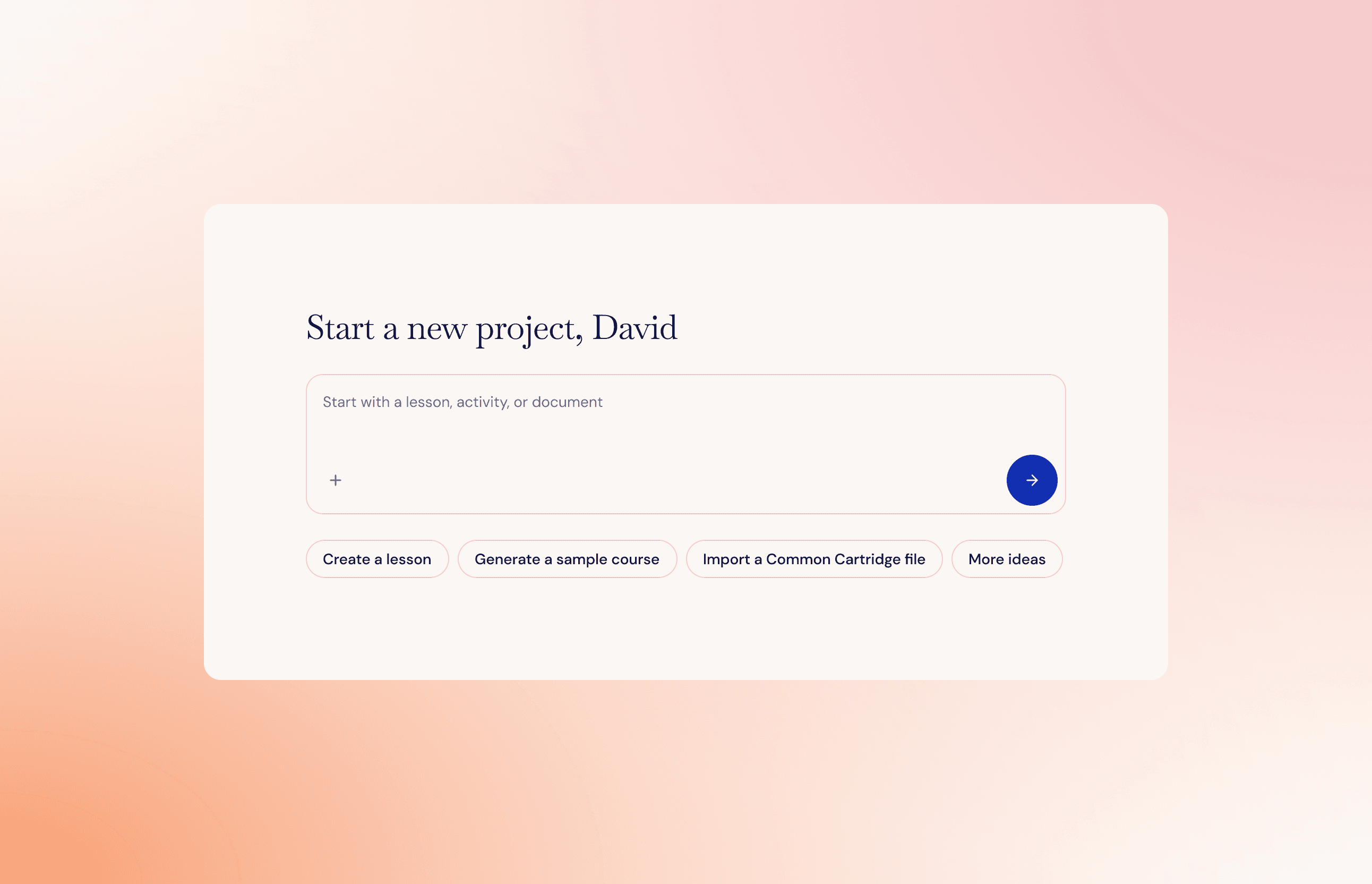
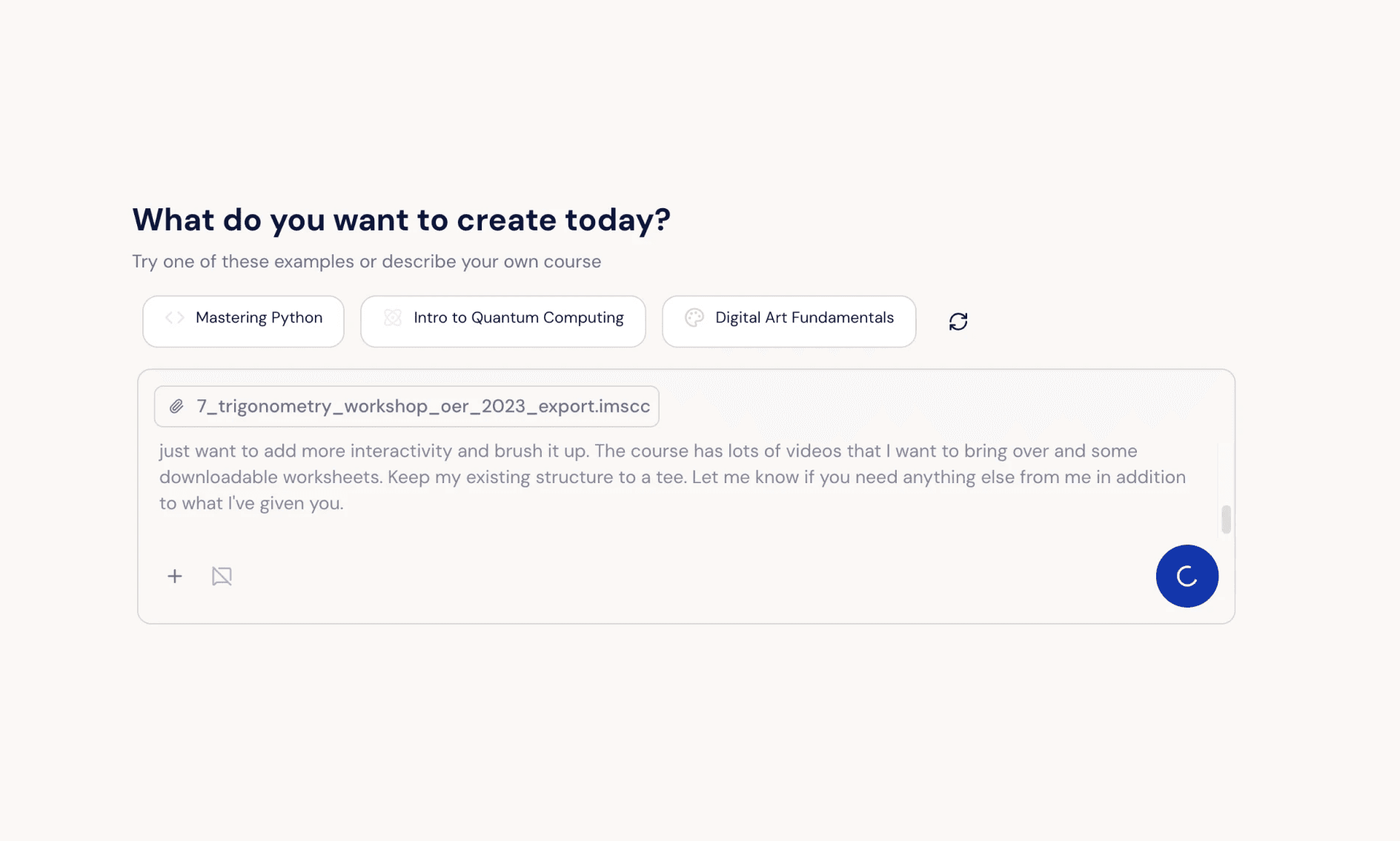
By the time I became the sole designer, the wizard had been replaced with a single prompt box. A strong visual improvement, but users were still at the mercy of a linear, agent-led setup process.
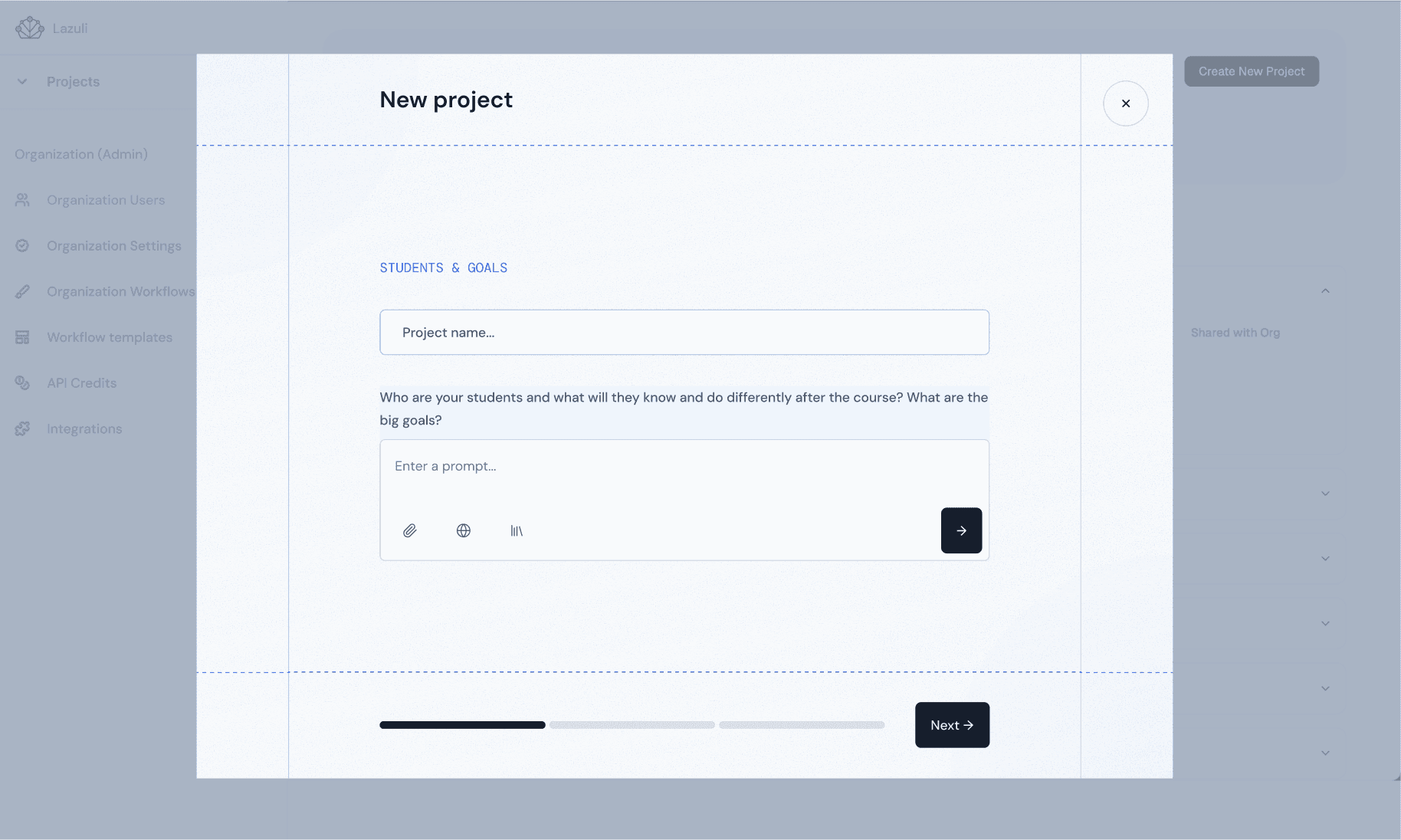

V1
V2
A mandatory prompt box kicked off a linear, agent-managed project setup flow
“It’s very rare for us to design a brand new course. The majority of use cases would be redevelopments where we already know what we want the course to look like.”
— a professional learning designer
Research revealed we had built for the demo, not the work
My colleague and I conducted a round of user interviews with practicing learning designers. What we learned reframed the problem entirely: learning designers rarely start with a blank slate. They come to a new project with existing courses, organizational requirements, source materials, and half-formed plans.
Our onboarding had been built for a greenfield workflow that almost none of our users actually lived in. When they realized Lazuli didn't fit the reality of their job, they returned to their well-worn tools like ChatGPT and PowerPoint.
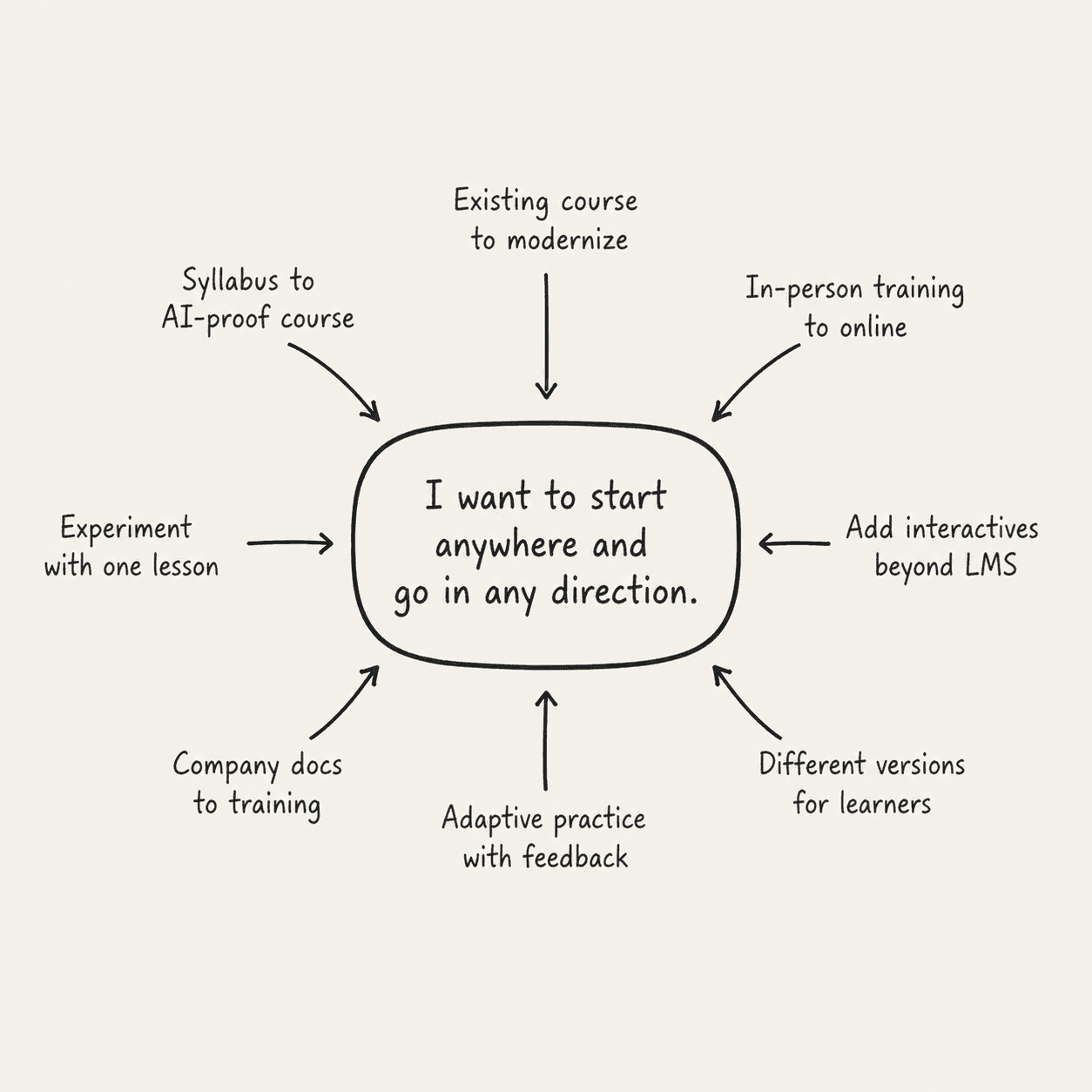
I ran a team experiment to get us out of QA mode and into our users' shoes
Next, I facilitated a team experiment. Every member of our team would attempt to "Lazulify" an existing real course with the high stakes goal of sharing it in an email blast to their network.
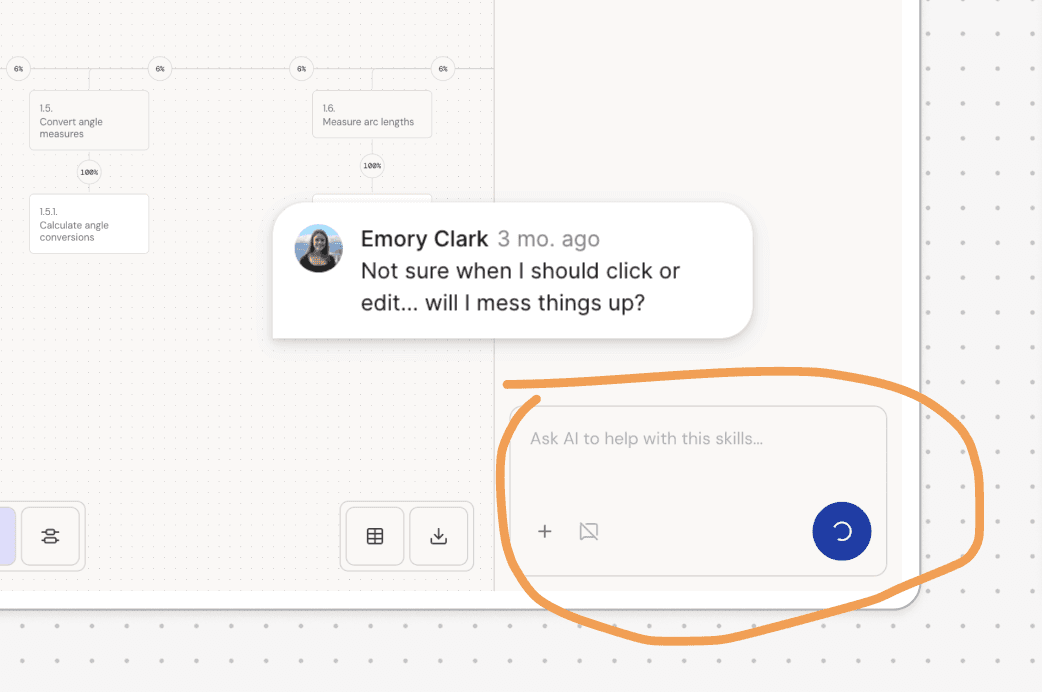
At the end of the week, we shared findings in a FigJam. The scorecard was full of thumbs-down emojis, but the real value we left with was a collection of annotated screenshots. We had identified specific friction points, broken moments, and places where the product asked too much or explained too little, which became the foundation for our next sprint.
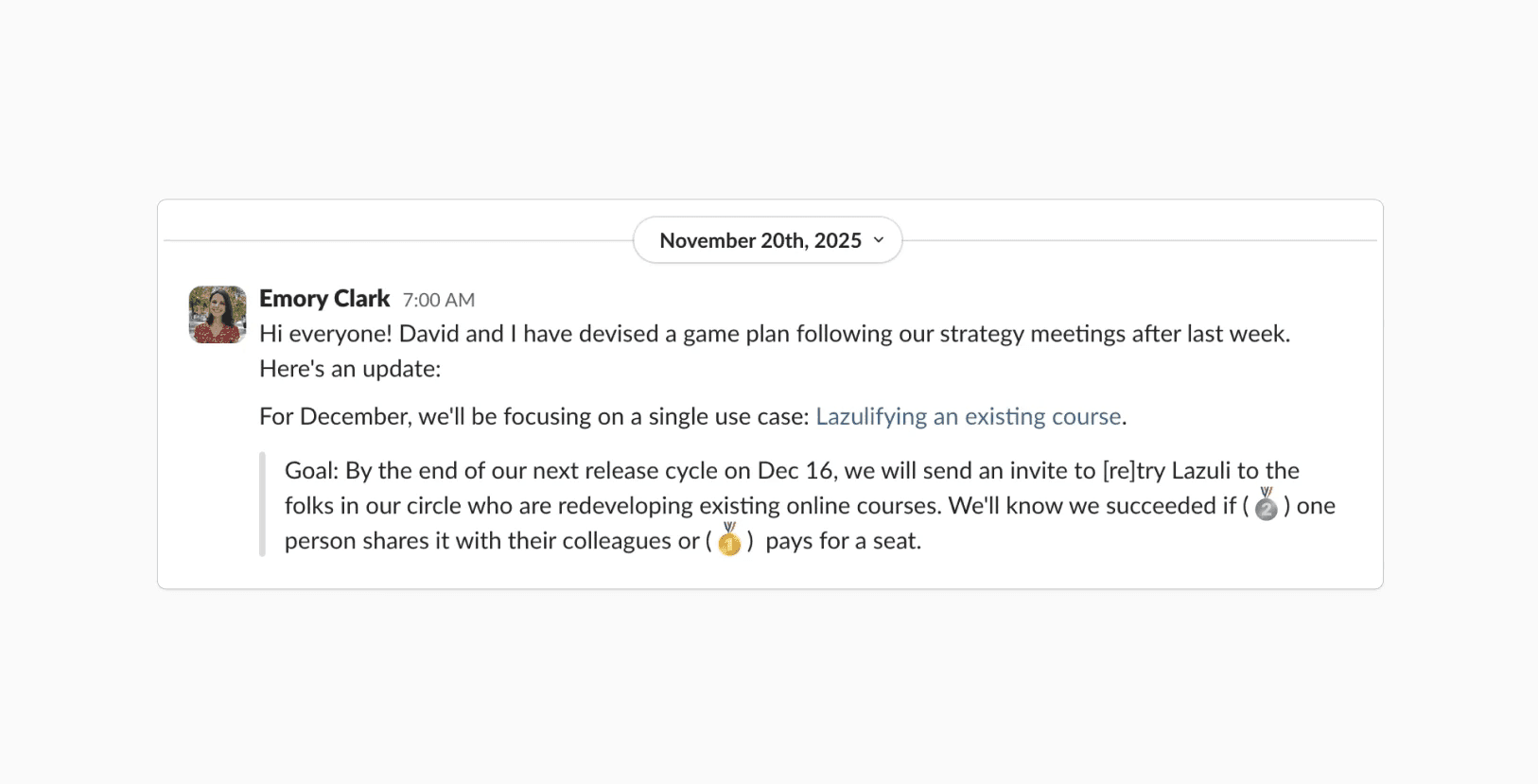
A Slack message I sent to the team
One of many radically honest annotated screenshots
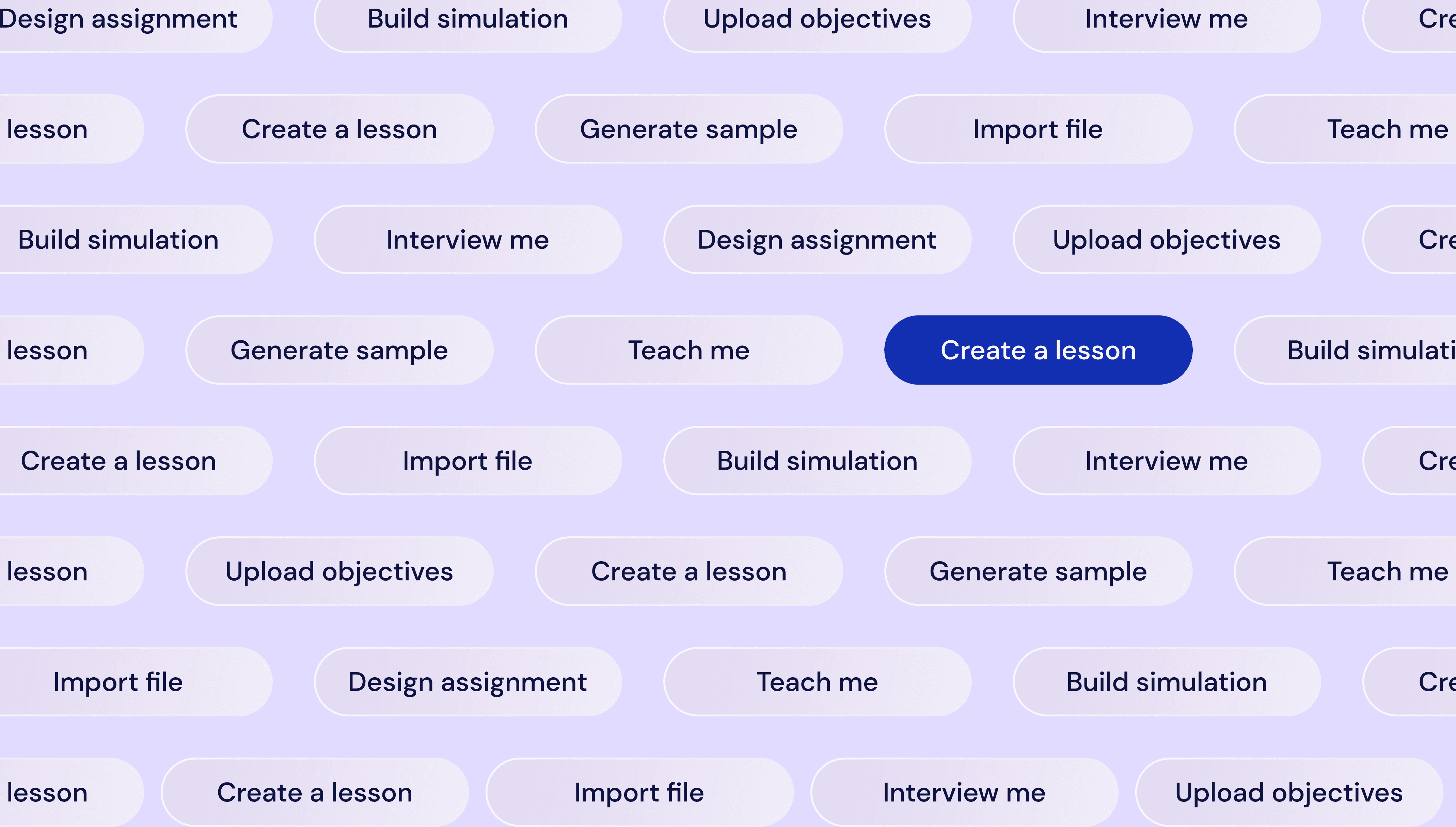
Start anywhere
Armed with research, I launched an internal campaign titled "Start anywhere." I scoped the project in Linear, tracked it through release, and framed it around a set of principles rather than a list of features.
Before touching the UI, I distilled everything we'd learned into four principles that would guide the redesign. These principles became a core part of our product philosophy, eventually integrated into our codebase as we moved toward context-driven development, and still referenced internally when solving problems today.
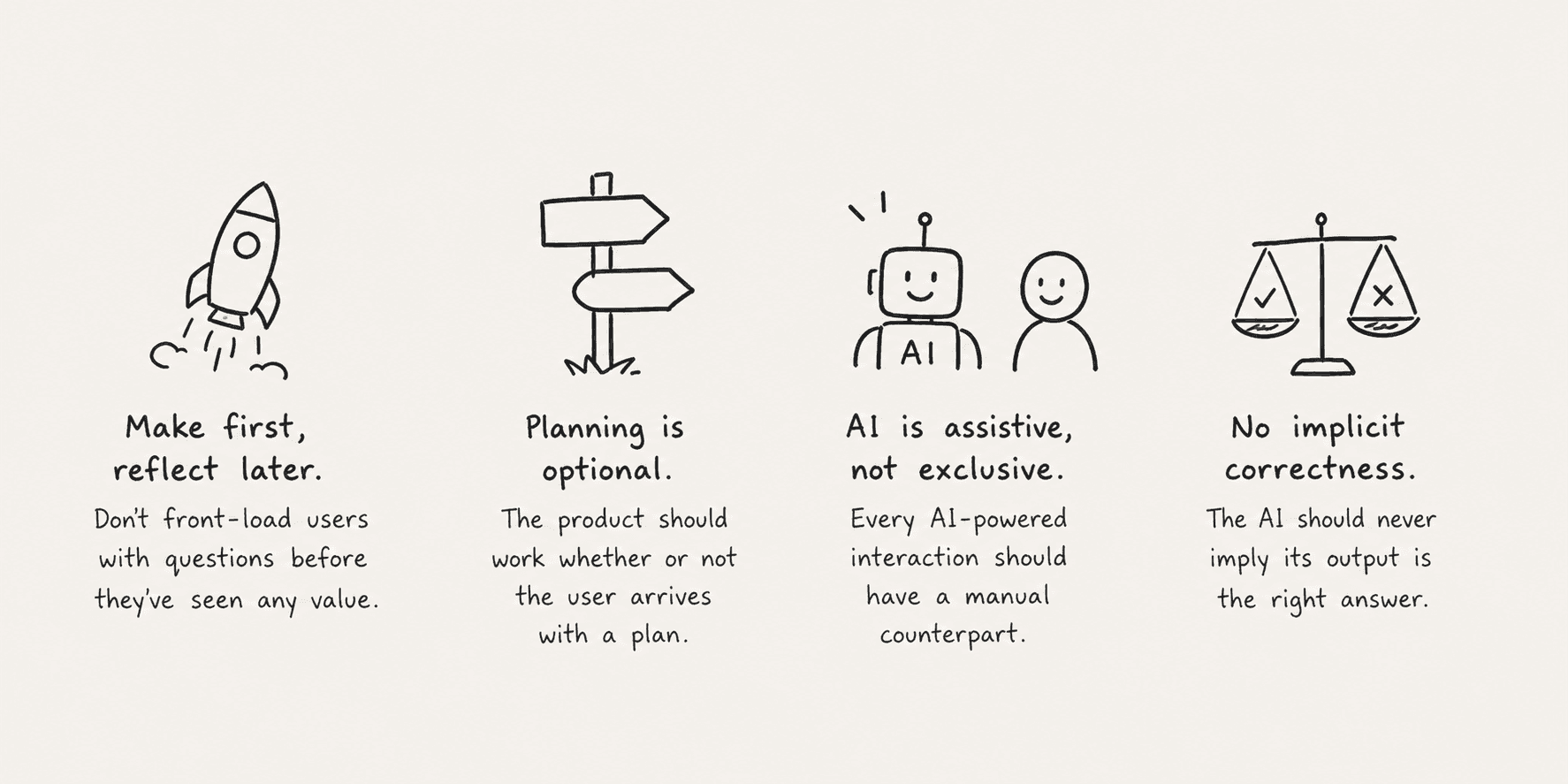
"Real artists ship." - Steve Jobs
The sections below are under construction, updates daily. Stay tuned!
Allowing learning designers to seamlessly enter Lazuli at any point in their workflow
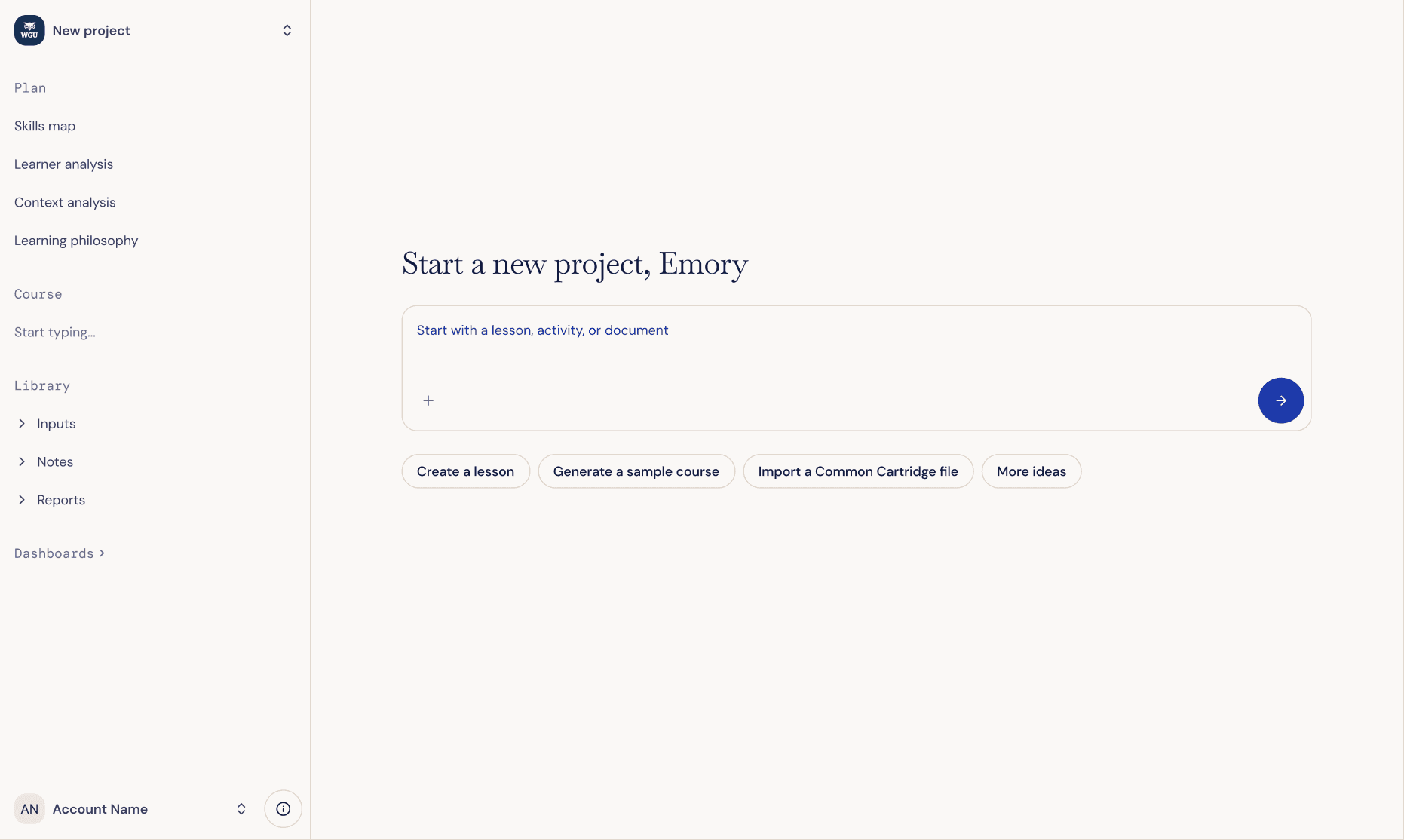
Users start a new project from a welcoming blank canvas
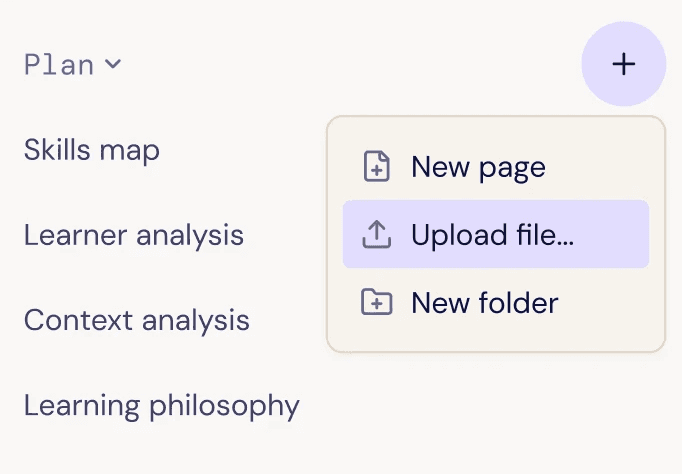
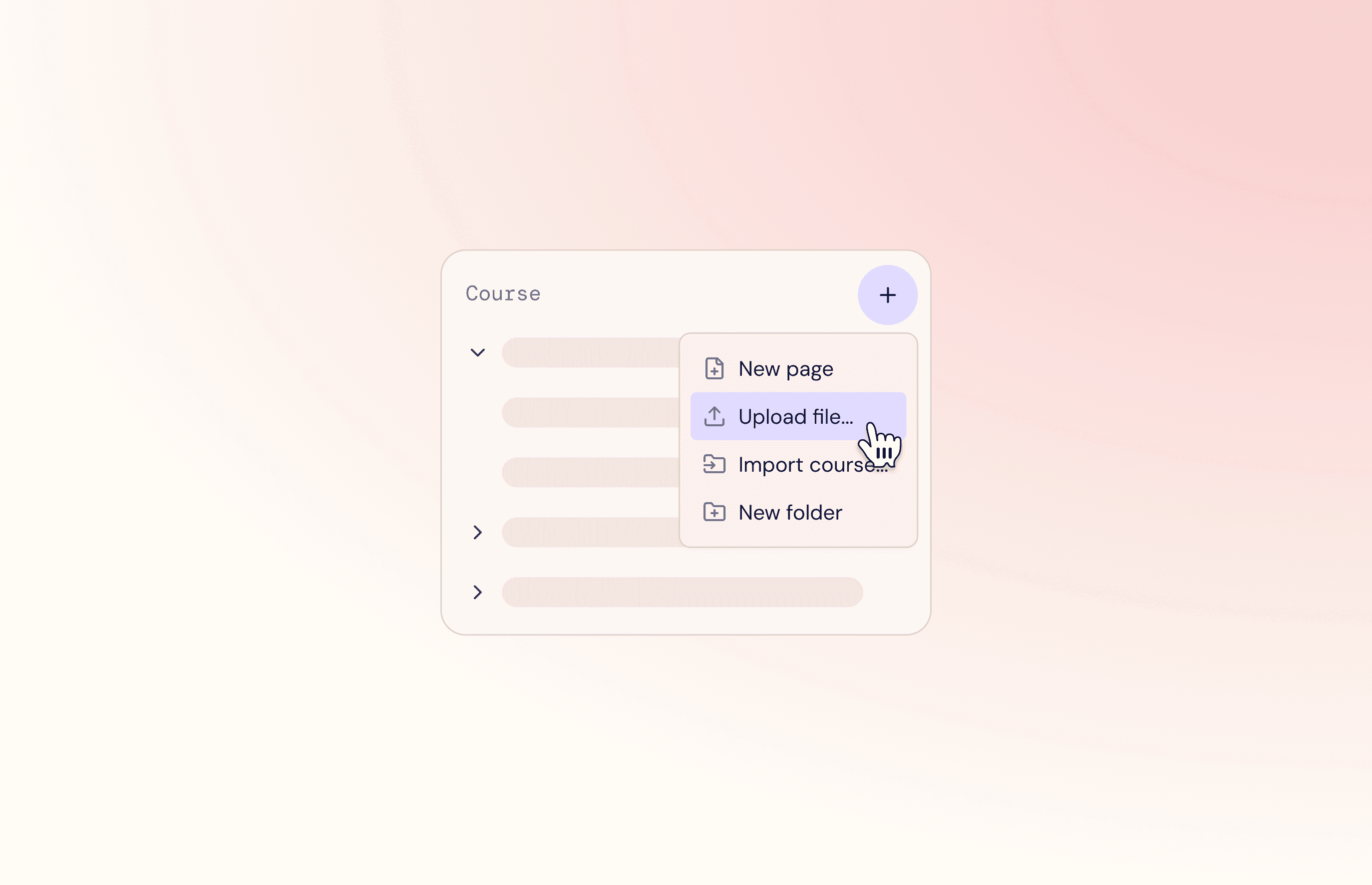
Upload source files anywhere
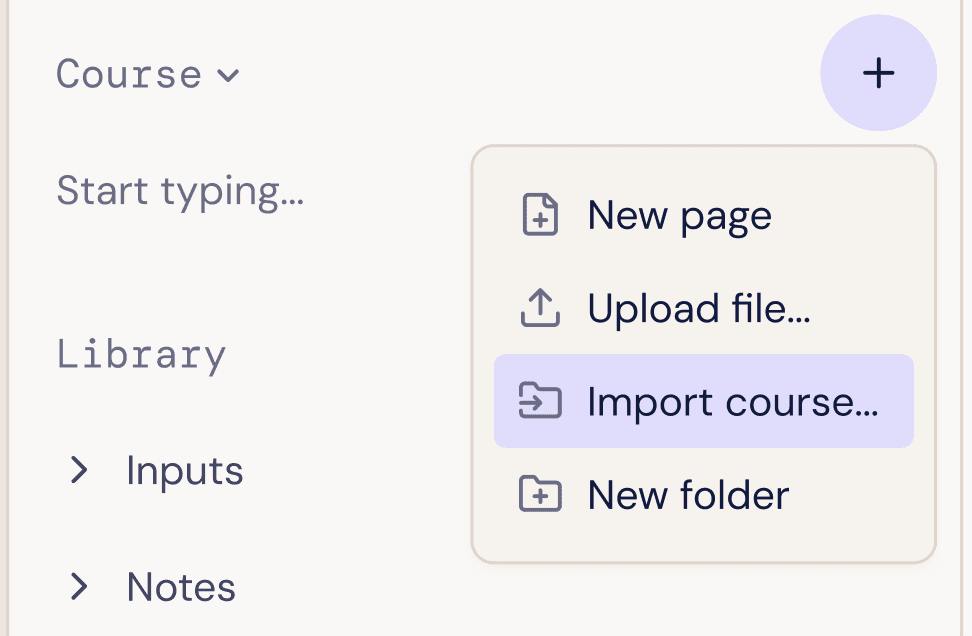
Import an existing course at any point
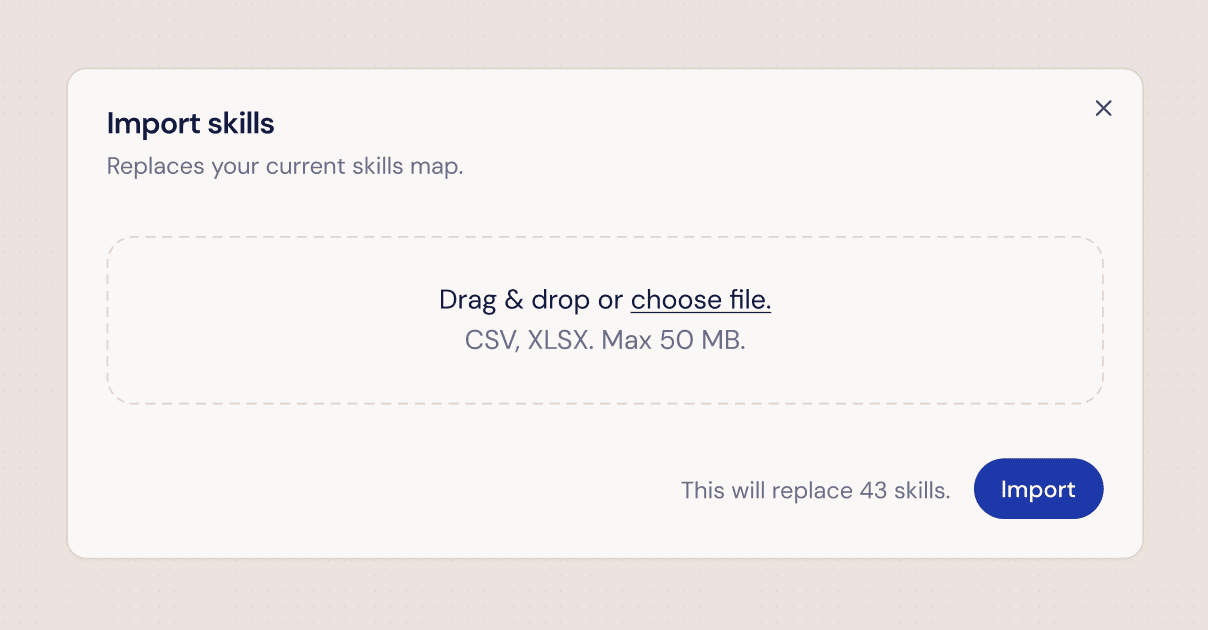
Import existing skills directly into your Lazuli project for the AI to reference
AI products should support our journey, not rush us to our destination
A few learnings I will carry into my next project:
Build for nuance. It's rare that any of us get to indulge in a truly greenfield project.
If a user feels out control in your product, they will quickly return to their tried-and-true tools (often a spreadsheet). They won't risk their deadlines for you until they know they're in safe hands.
Adoption of an AI product is laced with emotion. To dispel anxieties, build in human controls: manual interactions, pauses for permission, and language that provides transparency into the AI black box.